🚀 Better prompts. Less fluff. More “ship it.” Green-light outputs
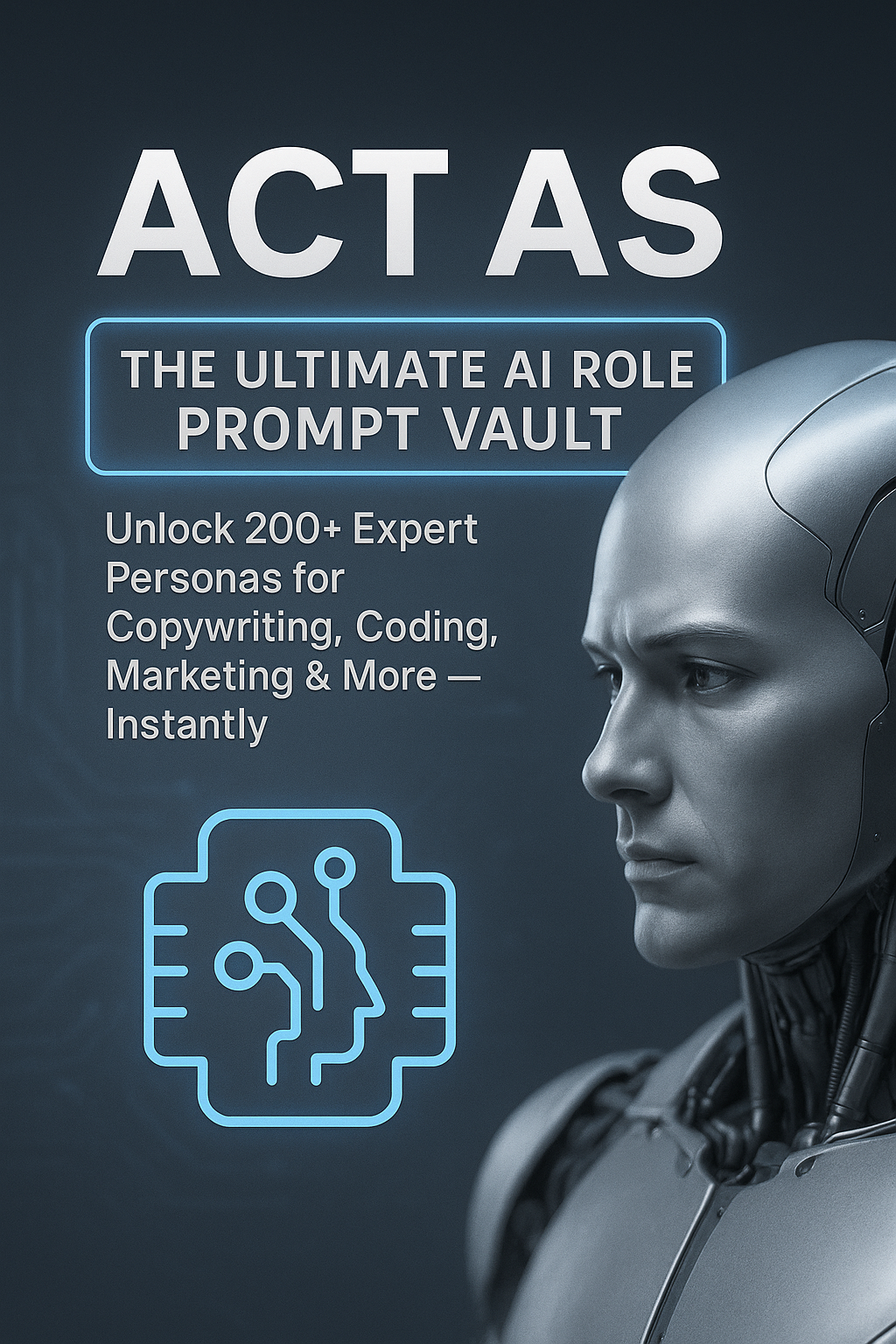
Act AS: The Ultimate AI Role Prompt Vault (221 Expanded Prompts)
If AI output has ever made you whisper, “That’s… nice… but not useful,” this is your fix.
The Vault turns your prompts into structured instructions so the model behaves like a specialist—
copywriter, strategist, analyst, developer, outreach expert—without the vague “blog post energy.”
Here’s the trick: most prompts ask for an answer. Vault prompts ask for an answer in a specific role,
with constraints, a format, and a self-check step. That’s how you get less fluff and more “copy/paste this into your doc.”
Use it when you need outputs that don’t just sound smart—they do work: offers, scripts, audits, SOPs, specs, ad angles, landing sections,
outreach messages, content systems, and ready-to-edit drafts that move your project forward.
What you can build in 30 minutes (with the right prompt)
The fastest way to understand this Vault is to picture the output. Here are realistic “first session” wins— the stuff you can create today without turning prompt writing into a new hobby.
Offer + positioning
A clear offer, target persona, pain points, proof angles, and a tight positioning statement you can drop into a page.
Landing page draft
Headline options, sections, bullets, FAQs, and a CTA stack—formatted so you can paste directly into your builder.
Outreach scripts
DMs + emails + follow-ups that sound human. (Not “Hello dear, I hope this message finds you in great business.”)
Operational clarity
Turn a messy process into an SOP(Standard Operating Proceedure), checklist, QA steps, and role responsibilities—so tasks stop living in your head.
Content system
A weekly content pipeline: topics, hooks, outlines, repurposing plan, and post formats for multiple platforms.
Who it’s for
If you do any of these, you’ll get value quickly: marketing, sales, content, operations, consulting, freelancing, software, local business growth, or “I wear 9 hats and I’m tired.” Beginners can copy/paste. Power users can chain prompts into full workflows.
What’s inside (aka: what you’ll actually use)
The Vault is built for deliverables. Not inspiration. Not “here are some ideas.” Actual output you can ship.
Each prompt is expanded to force clarity and shape the response into a format that’s ready to edit and publish.
That means fewer follow-up prompts, fewer “wait… what?” moments, and a lot more “cool—copy/paste this into the doc.”
You’ll notice the prompts are written like mini-briefs: they define the job, the inputs, the rules,
and the output container. That matters because AI models are pattern machines—give them a pattern and they’ll follow it.
Expect improvements in:
- Specificity — fewer generic answers
- Structure — outputs come back in clean sections
- Consistency — repeatable results across runs
- Speed — fewer follow-ups and rewrites
Marketing that ships
Campaigns, hooks, emails, landing copy, ad angles, offer positioning, and platform‑specific content—formatted to use.
Workflows that save hours
SOPs, checklists, project briefs, content calendars, QA routines, and “do it this way every time” systems.
Profit-focused assets
Outreach scripts, audits, lead magnets, upsell ideas, service packages, and conversion‑oriented deliverables.
Built-in quality control
Many prompts include a critique → improve step. Think of it as asking the model to proofread itself before you ever see the final answer. It’s the difference between “first draft” and “client-ready.”
Constraint-driven outputs
The Vault uses constraints—tone, structure, platform rules, word counts, do/don’t boundaries— so outputs are predictable. Your future self will thank you. (Your editor will also thank you.)
Generic prompts vs. Vault prompts
Generic prompts ask the model to “help.” Vault prompts tell it exactly how to behave, exactly what to produce, and exactly how to self-check. That’s why the output feels less like a brainstorm and more like a deliverable.
- Loose instructions → vague answers
- Requires many follow-ups
- Inconsistent formatting
- More fluff, less “ready-to-use”
- You become the QA department
- Role + context + constraints + format
- Built-in critique → improve step
- Predictable structure (tables, checklists, scripts)
- Faster to edit, publish, send, ship
- Output quality stays consistent
What people typically say after using structured prompts
These are common results from role-based prompting. (Real talk: the first time it works, it feels like you upgraded your AI by 2 versions.)
“I stopped wrestling with the model. The outputs finally came back organized and usable.”
“The critique → improve step is the cheat code. It’s like getting the second draft first.”
“One prompt gave me a clean SOP + checklist. My team thought I hired a consultant.”
How it works (simple, fast, repeatable)
- Pick a role that matches your outcome.
- Fill the blanks (goal, audience, constraints, format).
- Run the QA step once to tighten output.
- Save your best version as Quick / Standard / Strict.
The point isn’t to “prompt more.” It’s to prompt once… correctly… and move on with your day like a functional adult.
Not sure yet? Do this first.
Grab the free report, run the sample prompts, and notice how much faster you get to “usable output.” If you like that feeling, the Vault is the full system. If not, you still got a helpful report. Win/win.
Get the Vault
Optional updates: voice + video training related to the Vault (prompt chaining, refinement, and turning outputs into assets). Unsubscribe anytime.
FAQ
Will this work with models besides ChatGPT?
Yes. The prompts are structured to translate cleanly across popular AI models. The structure is the advantage.
Is this beginner-friendly?
Yes. Copy/paste, fill a few blanks, run the QA step. That’s it. No “prompt wizard” robe required.
Do I need MagicAITools.com?
No. It’s simply a great “prompt lab” to test workflows. Use any tools you prefer.
SEO-friendly keywords
AI prompt guide • act as prompts • role prompts • chatgpt prompts • marketing prompts • copywriting prompts • coding prompts • productivity prompts • business strategy prompts • prompt vault • prompt engineering
Last updated: 2025-12-15